Meeting clip
Input: a two-minute team update with one speaker summarizing blockers. Transcript use: pull out owner names, due dates, and follow-up tasks before sending a recap.
Upload a WhatsApp voice note, record audio, or paste an audio link and convert speech into clean, readable text in seconds. No login required.
Upload or drag your voice note here
Supported: WhatsApp voice notes, MP3, WAV, M4A, OGG, OPUS
Upload a voice note above to see the transcript here.
A practical tool for short audio, not a promise that every transcript will be perfect.
VoiceNoteToText is built for moments when audio is useful to send but inconvenient to replay. A voice note may contain a customer request, a class reminder, a meeting update, or a quick idea that should become searchable text.
The product stays browser-based and account-free for the core workflow. You choose the source, generate the transcript, review the output, and decide where the text should go next.
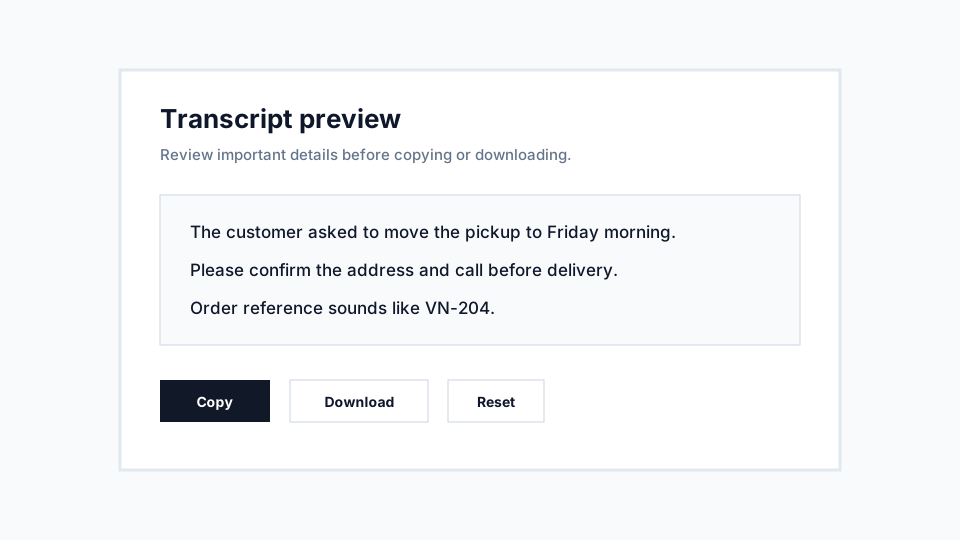
The workflow is intentionally short: choose audio, transcribe it, review the text, and save what you need.
Upload a saved file, record a new clip in the browser, or paste a supported public audio link.
Use a specific supported language when you know it, or auto detect when the audio is uncertain.
VoiceNoteToText processes the short audio clip and returns readable text in the transcript panel.
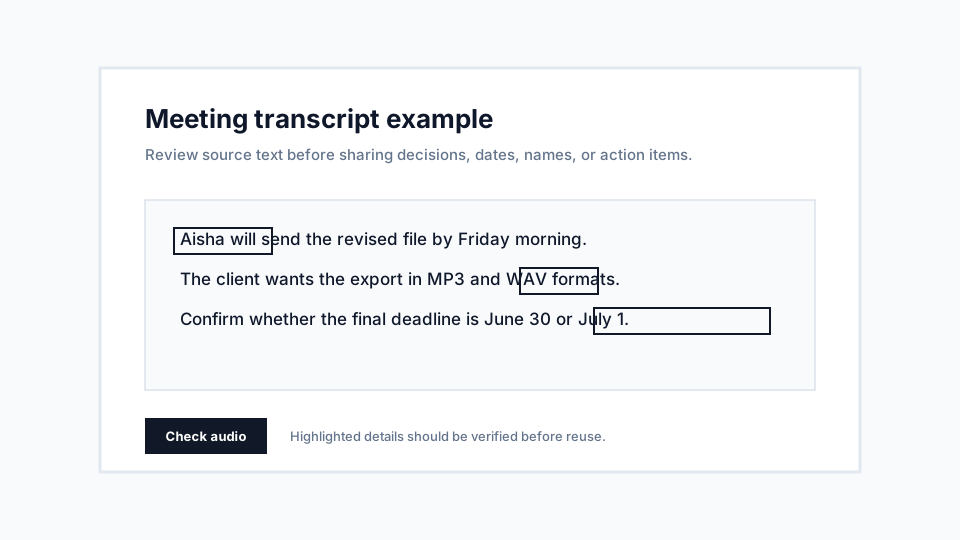
Check names, numbers, and important quotes, then copy or download the transcript for your workflow.
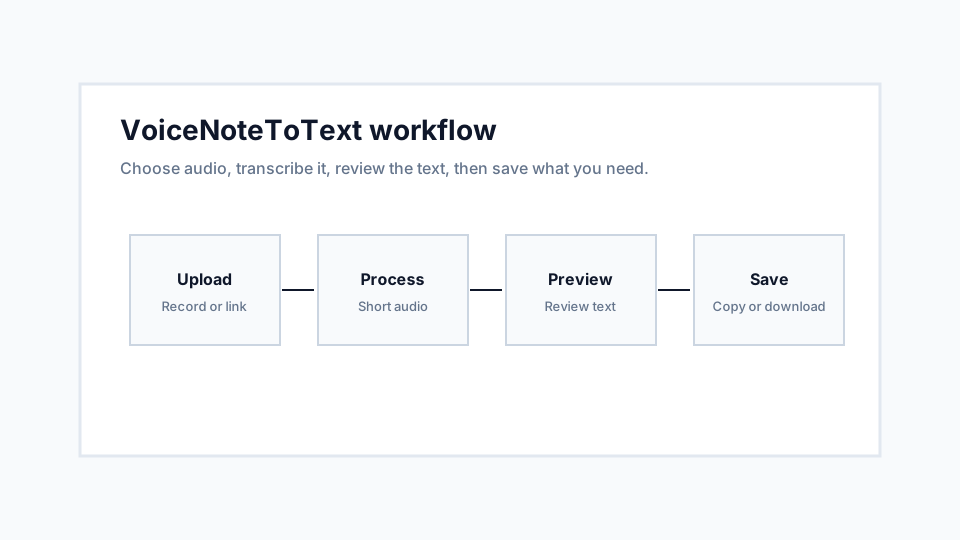
Most failed workflows start with the wrong source. Pick the method that matches where the audio already lives.
| Method | Best for | Advantages | Limitations |
|---|---|---|---|
| Upload | Saved voice notes, exported recordings, WhatsApp audio, and files already on your device. | Most predictable workflow because the browser receives the file directly. | The file must be supported, readable, and within current limits. |
| Record | Live dictation, quick spoken memos, short explanations, and ideas that do not exist as a file yet. | No separate recorder app is needed when microphone permission works. | Browser permission, microphone quality, and room noise affect the result. |
| From Link | Public direct audio URLs or simple pages with accessible embedded audio. | Useful when audio is already online and you do not want to download it manually. | Private pages, streaming platforms, and login-protected links may fail. |
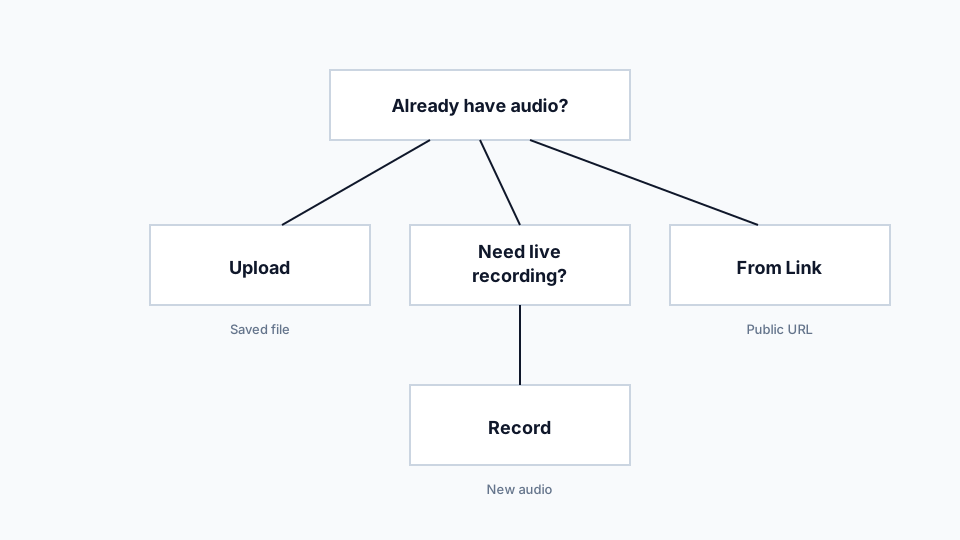
Format matters, but clear speech matters more. A clean MP3 can beat a large WAV recorded in a noisy room.
| Format | Typical use | Strength | Watch |
|---|---|---|---|
| MP3 | Shared clips, downloaded audio, compressed speech recordings. | Small, common, and usually practical for clear speech. | Very low-bitrate MP3 files can blur words. |
| WAV | High-detail recordings and editing exports. | Preserves more audio detail when the original recording is clean. | Large files can exceed limits quickly. |
| M4A/AAC | Phone recordings and mobile voice memos. | Good quality-to-size balance for speech. | Some exported files may use settings that are less browser-friendly. |
| OGG/OPUS | Messaging app voice notes, including common WhatsApp workflows. | Efficient for speech and small file sizes. | Some devices hide these files in app-specific folders. |
| WebM | Browser-recorded audio and web media. | Useful for browser-native capture workflows. | Compatibility can depend on the device and browser. |
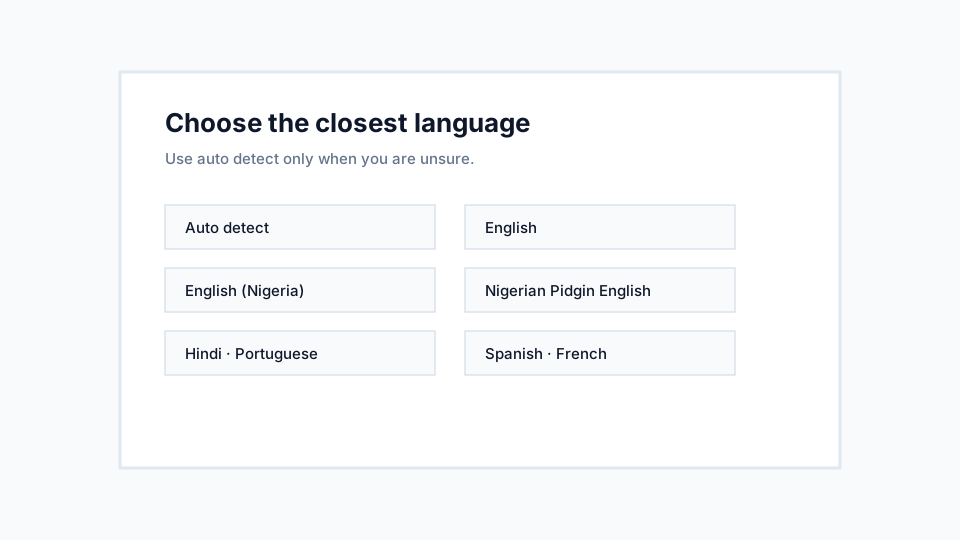
Choose the language that best matches the main speech, or use auto detect when the recording is uncertain.
VoiceNoteToText supports Auto detect, English, English (Nigeria), Nigerian Pidgin English, Ghanaian Pidgin English, Hindi, Portuguese, Spanish, and French. Regional accents can work well when the recording is clear, but background noise and code-switching still require careful review.
Use English for general English recordings, English (Nigeria) for Nigerian English, and the Pidgin options when the main speech follows those patterns. Auto detect is helpful when you receive audio and do not know what language it contains.
Examples make the product easier to evaluate than claims about accuracy.
Input: a two-minute team update with one speaker summarizing blockers. Transcript use: pull out owner names, due dates, and follow-up tasks before sending a recap.
Input: a short explanation from class. Transcript use: rewrite the rough text into study notes and check technical terms against the audio.
Input: a WhatsApp voice note from a customer. Transcript use: scan the request quietly, verify details, and paste the cleaned text into a support record.
Input: a short creator clip. Transcript use: find quote candidates and turn the spoken idea into an outline after reviewing the wording.
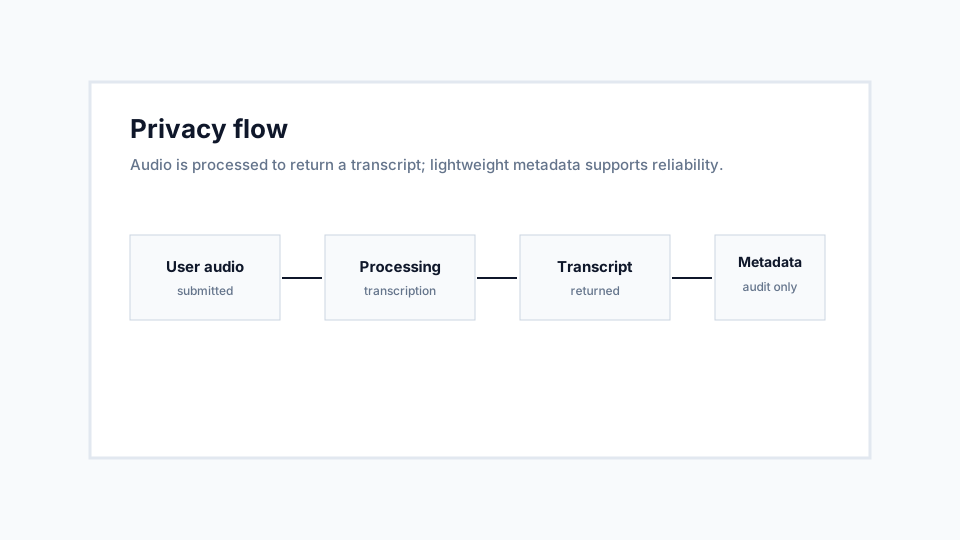
The product should explain what happens to audio in plain language before users upload sensitive content.
Audio is processed to create a transcript and return it to your browser. The inspected audit model records lightweight metadata such as file size, format, status, language, provider, runtime, word count, and timestamp for reliability and analytics.
Do not upload confidential, regulated, legal, medical, customer, or private audio unless you have permission and are comfortable processing it. After you copy or download text, you control where that transcript goes.
Different users need transcripts for different reasons, but every workflow benefits from review.
Turn short lecture clips, study-group notes, and spoken reminders into text that can be rewritten into study notes. Keep recordings short and review technical terms after transcription.
Use transcripts to locate useful moments in interviews faster. Verify direct quotes against the original audio before publishing or citing them.
Convert customer voice messages into written notes for orders, requests, and follow-up tasks. Review addresses, prices, names, and delivery details carefully.
Capture spoken ideas, podcast clips, and draft scripts as text. The transcript becomes a starting point for captions, outlines, descriptions, and article drafts.
Transcribe short sermon excerpts, announcements, and voice memos so volunteers can reuse the message in bulletins, summaries, and internal notes.
Turn asynchronous voice updates into searchable text. This helps teammates scan the message without replaying audio during meetings or quiet work periods.
Use only where policy allows. Short spoken notes can be transcribed for review, but sensitive or regulated information requires careful permission and handling.
Treat transcripts as drafts for review, not official records. Verify all material statements against the original audio before relying on them.
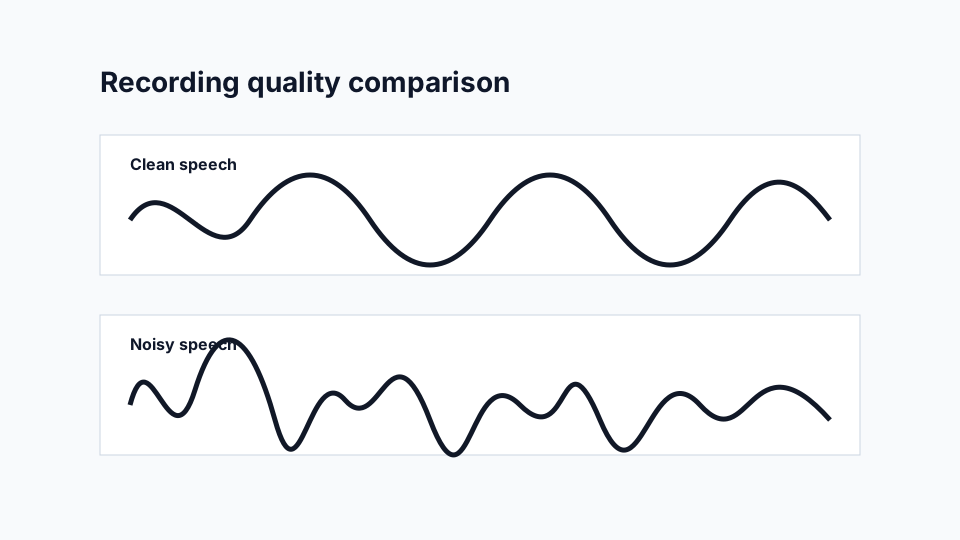
Better transcripts usually begin before upload, with cleaner speech and clearer recording conditions.
Quiet rooms produce more reliable transcripts because speech is easier to separate from everything else. Fans, traffic, music, and other conversations can all compete with the speaker.
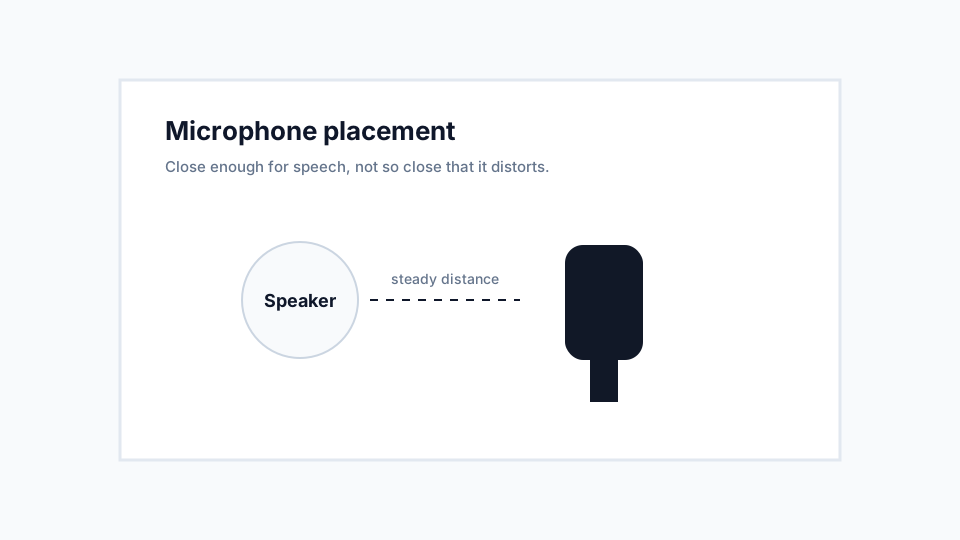
A microphone that is too far away captures room noise. A microphone that is too close can distort words. A short test recording is often the fastest quality check.
Steady pacing, one speaker at a time, and repeating important names or numbers clearly can make the transcript easier to review.
Choose the closest supported language when you know it. Use auto detect when you are uncertain, then review mixed-language or accent-heavy sections carefully.
Answers are grouped so visitors can find upload, recording, language, accuracy, privacy, and troubleshooting details without scanning a wall of text.
Basic questions first-time visitors usually ask before using the converter.
A first-time guide to the full upload, record, link, transcript, copy, and download workflow.
Read guideLearn how noise, microphone placement, speaker pace, and language selection affect transcript quality.
Improve accuracyUnderstand when compressed files are enough and when larger uncompressed audio is worth using.
Compare formatsPlain-English privacy guidance for uploaded audio, returned transcripts, and lightweight metadata.
Privacy guideUse this page for general short audio files in common formats.
Open toolCapture a short microphone recording in the browser and transcribe it.
RecordPaste a supported public audio URL and convert the linked audio to text.
Use linkUpload saved WhatsApp voice notes and read the transcript.
WhatsApp guide