Privacy & Security
How Uploaded Audio Is Handled
Plain-English explanation of processing, returned transcripts, lightweight metadata, and privacy-sensitive use.
Privacy Policy →Last updated: 2026-06-29 · 9 min read
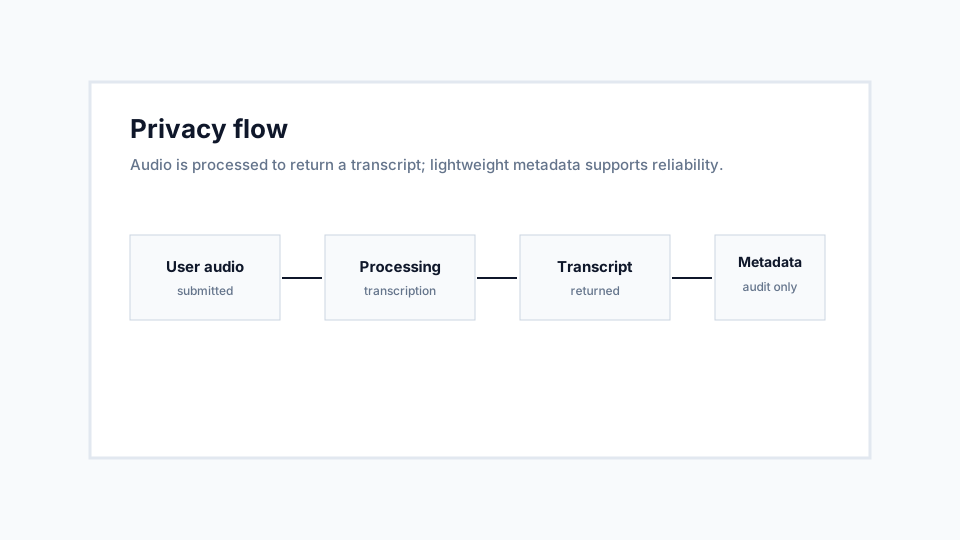
The audio is processed to create a transcript
When you submit audio, the service reads the file to create a transcript and returns the result to your browser. The core product does not require you to connect a messaging account.
The current application records lightweight request metadata for analytics and reliability, such as file size, format, language, status, provider, runtime, word count, and timestamp. The inspected audit model does not store full audio or transcript text.
Sensitive audio still requires judgment
Even when a tool is careful, you should not upload confidential, regulated, or private audio unless you have the right to process it and are comfortable doing so.
For business, legal, medical, or personal recordings, consider whether a transcript is necessary and who may see the output after you download or copy it.
Recommendations
- Upload only audio you have permission to process.
- Avoid highly sensitive recordings unless processing is appropriate.
- Read the Privacy Policy and Privacy FAQ before using the tool for client or business audio.
Limitations
- Third-party transcription providers may process audio as part of generating the transcript depending on deployment configuration.
- Analytics metadata may be retained for reliability and product improvement.