Use Cases
How to Transcribe WhatsApp Voice Notes
A focused guide to saving WhatsApp voice notes and converting them into readable text.
WhatsApp Voice Note to Text →Last updated: 2026-06-29 · 8 min read
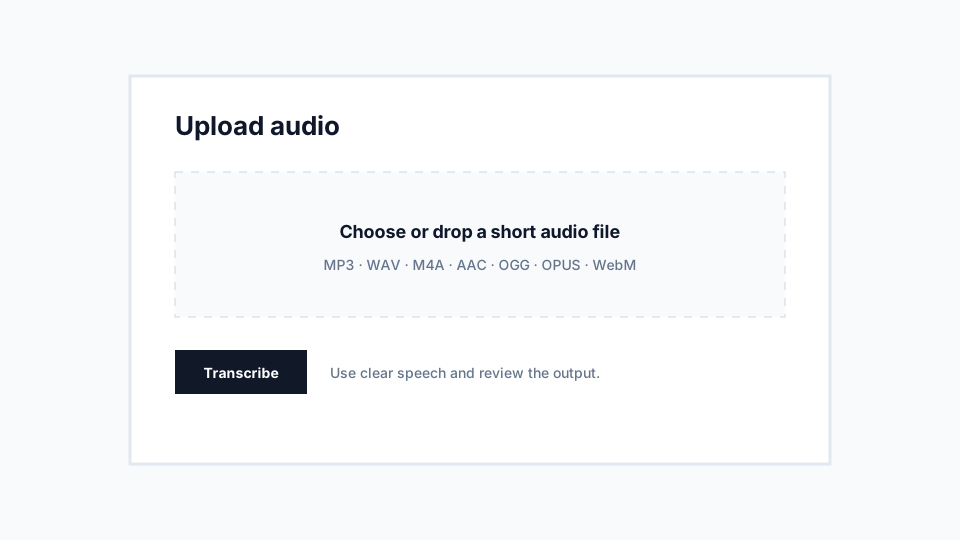
Save the voice note first
VoiceNoteToText does not connect to your WhatsApp account. Export or save the audio file from your device, then upload that file through the converter.
This keeps the workflow simple and avoids asking for messaging account access. It also makes clear which file you are choosing to process.
Review the transcript for action items
Voice notes often contain names, addresses, prices, deadlines, and informal phrasing. After transcription, scan for the parts that matter and correct them before sending or storing the text.
For business messages, keep the original audio until you have checked the transcript.
Recommendations
- Upload the original OGG or OPUS file when possible.
- Use the closest language option for regional speech.
- Do not upload private messages unless you have permission and are comfortable processing them.
Limitations
- The product is not affiliated with WhatsApp or Meta.
- Private messages require careful consent and judgment.