Languages
Language Selection Guide
When to use auto detect and when to choose a specific supported transcription language.
/english-audio-to-text →Last updated: 2026-06-29 · 8 min read
Use specific languages for known audio
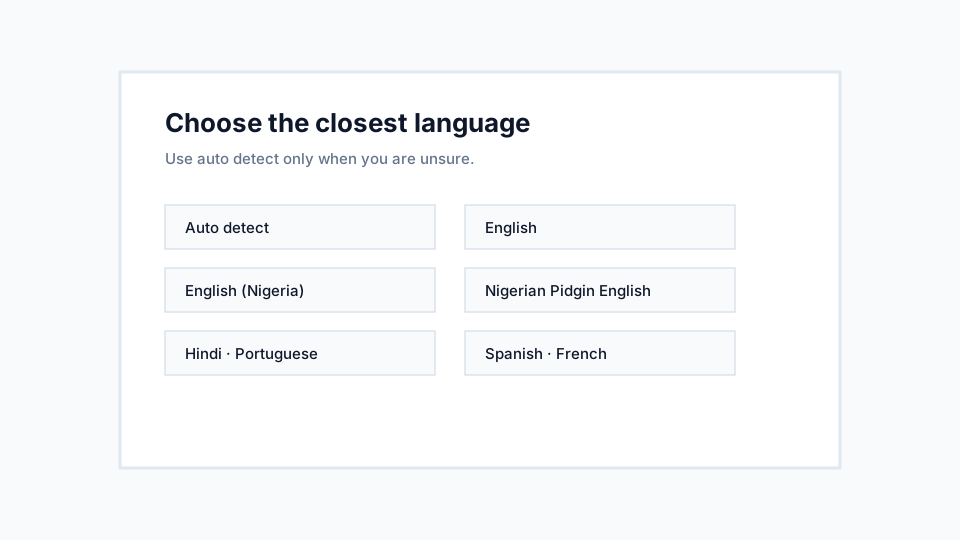
If the recording is clearly in English, Hindi, Portuguese, Spanish, or French, choose that language before transcription. For Nigerian English or Pidgin workflows, choose the closest supported option.
Specific selection reduces uncertainty. It tells the transcription process what speech patterns to expect.
Use auto detect for uncertain audio
Auto detect is useful when you receive an audio file and do not know the language in advance. It is also useful for occasional code-switching, though mixed-language recordings still deserve careful review.
If auto detect produces weak results, transcribe again with the most likely language selected.
Recommendations
- Choose the language closest to the main speaker.
- Review local names, slang, and technical terms.
- Keep mixed-language clips short when possible.
Limitations
- Auto detect is not a translation feature.
- Heavy code-switching may still require manual correction.