File Formats
OGG and OPUS Voice Notes Explained
Why messaging apps often produce OGG or OPUS audio and how to transcribe those files.
WhatsApp Voice Note to Text →Last updated: 2026-06-29 · 7 min read
OPUS is designed for speech efficiency
OPUS is commonly used for real-time voice because it can keep speech understandable while using less data. That is why messaging apps often rely on it for voice notes.
If the voice note is clear, OPUS can transcribe well. Problems usually come from noise, low volume, or overlapping speakers rather than the extension alone.
OGG is a container
An OGG file can contain OPUS audio. The file extension tells you the container, while the codec describes how the audio is encoded.
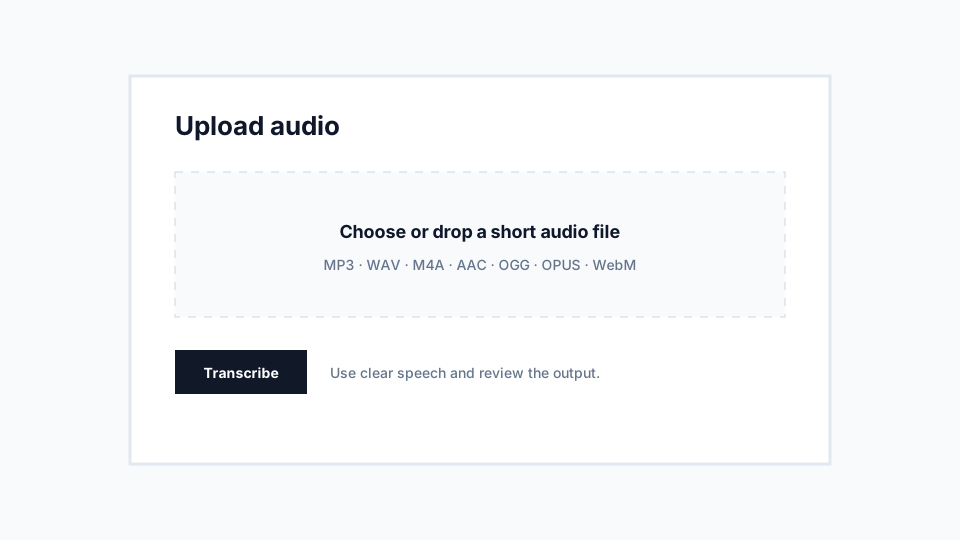
VoiceNoteToText supports common OGG and OPUS uploads for short files, making it possible to transcribe saved messaging audio without first converting it.
Recommendations
- Upload the original voice note when possible.
- Avoid unnecessary conversions before transcription.
- Check that the file is short enough for the current limits.
Limitations
- Some devices hide messaging app audio folders.
- Renaming a file extension does not change the actual audio format.