Troubleshooting
Why Audio Uploads Fail
Troubleshoot file size, format, browser, network, and damaged-file upload problems.
Audio to Text Converter →Last updated: 2026-09-25 · 8 min read
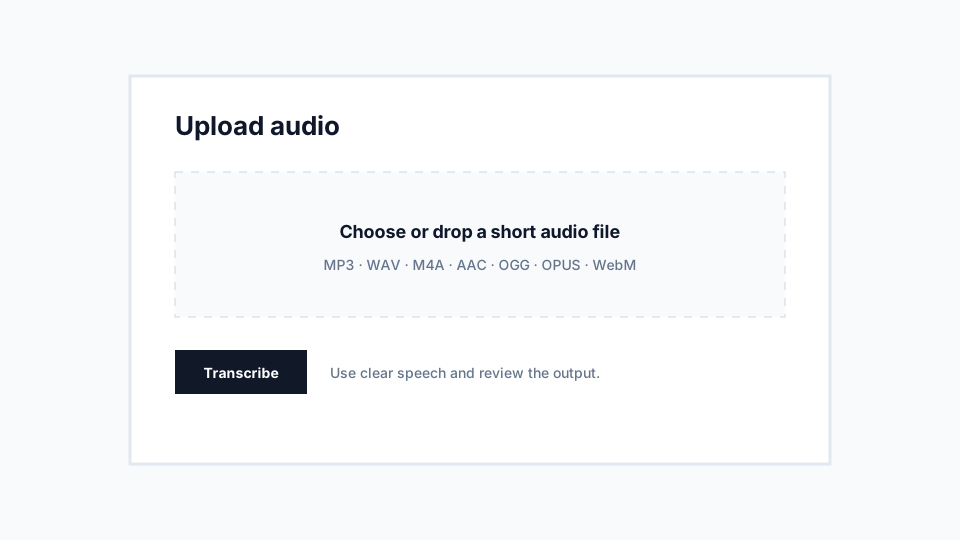
File too large or audio too long?
The two limits are separate: 10 MB per audio file and 10 minutes per transcription. A file can meet one and exceed the other. The browser checks file size before upload and checks duration when it can read the audio metadata.
If the file exceeds 10 MB, export a smaller MP3 or M4A, or trim out the part you do not need. If it exceeds 10 minutes, select a shorter excerpt. Simply changing .wav to .mp3 in the filename will not shrink or convert it.
For extracted audio that is within the file-size limit but too long to transcribe, you can still use Download audio. Save it, trim the section you need, and upload that shorter file. A failed validation does not require a new account or a paid plan.
Check size and format first
The free workflow is designed for short audio. If a file is too large or too long, trim it into a shorter clip before uploading.
Use common supported formats such as MP3, WAV, M4A, OGG, OPUS, and WebM. If a file has an unusual extension or came from an old recorder, export it again using a standard audio setting.
Check browser and network conditions
Weak connections can interrupt uploads. Browser extensions, private browsing restrictions, or old browser versions may also interfere.
If one browser fails, try a current version of Chrome, Safari, Edge, or Firefox. On mobile, confirm that the file is fully downloaded and accessible from the browser file picker.
Recommendations
- Try a smaller file first to isolate the issue.
- Rename only for clarity; do not rely on extension changes to convert audio.
- Use the Contact page if a supported file repeatedly fails.
Limitations
- Damaged audio files may need to be re-exported from the source app.
- Unsupported private platform files may not be readable directly.