Getting Started
Audio Link Transcription
Understand when the From Link workflow works and why private or complex links may fail.
Extract Audio From Link →Last updated: 2026-06-29 · 7 min read
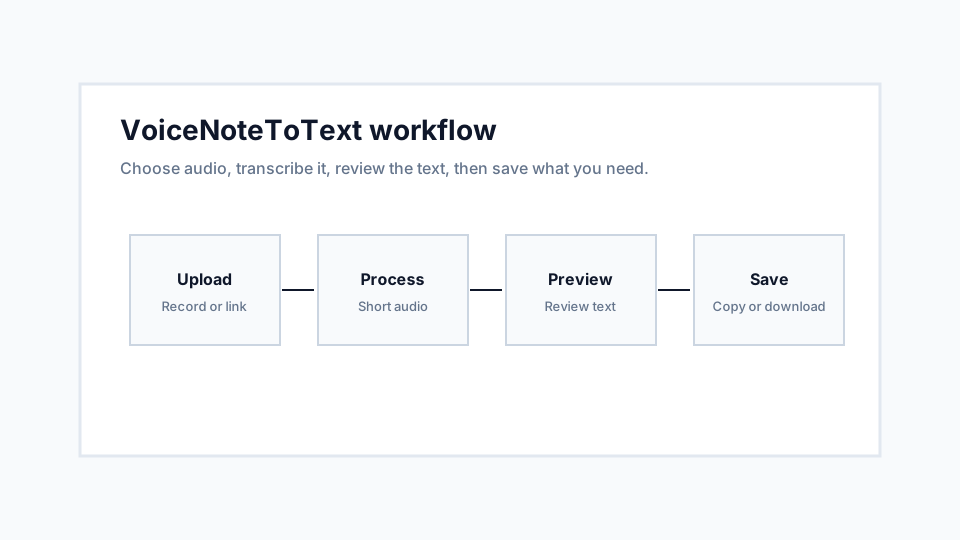
Use public direct audio when possible
The link workflow is most reliable with direct MP3, M4A, WAV, OGG, OPUS, or WebM URLs. Simple pages with embedded audio may also work if the audio source is visible to the server.
If the page requires a login, app session, subscription, or anti-bot interaction, the audio may not be available through the link tool.
Respect permission and ownership
Only transcribe audio you have permission to access and process. The link tool is not meant to bypass platform restrictions or private content controls.
If you own the file and the link fails, download it manually and use Upload instead.
Recommendations
- Prefer direct audio URLs.
- Use Upload for private or downloaded files.
- Check file size before using large online audio.
Limitations
- Streaming platforms and private pages may not work.
- A page URL is not always an audio URL.