Audio Quality
Microphone Placement for Clearer Transcripts
How distance, direction, and room setup affect browser recordings and uploaded audio.
Record Audio to Text →Last updated: 2026-06-29 · 7 min read
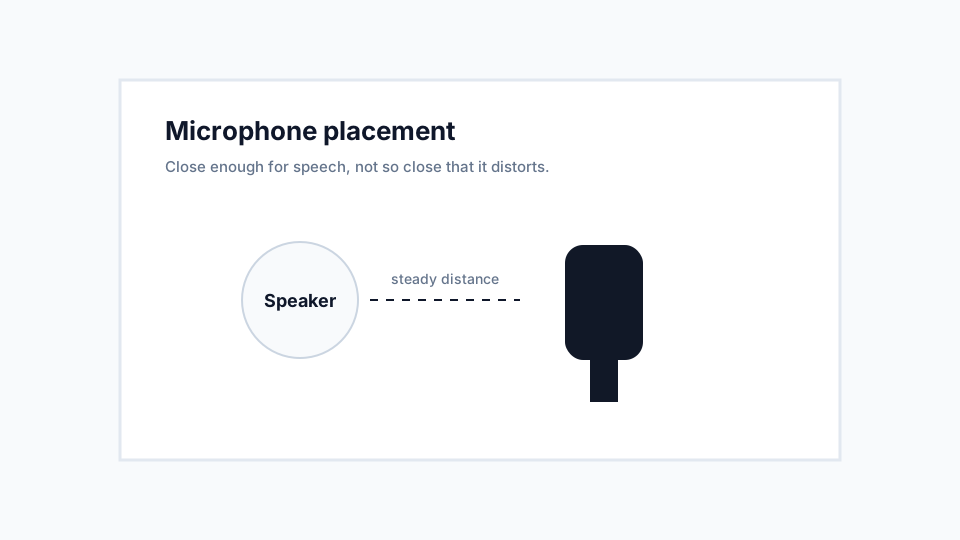
Distance changes clarity
A microphone that is too far away captures more room sound than speech. A microphone that is too close can distort plosive sounds and make words harsh.
For a single speaker, place the microphone near the speaker but slightly off to the side of direct breath. For a group, place it centrally and ask people to speak one at a time.
Device microphones have limits
Laptop microphones often capture keyboard and fan noise. Phone microphones can be clearer when held steadily near the speaker.
External microphones are not required, but they help in interviews, lectures, and business recordings where transcript quality matters.
Recommendations
- Record a ten-second test before important sessions.
- Avoid placing the microphone behind a laptop screen or inside a bag.
- Keep the device still while recording.
Limitations
- A single microphone may not capture a large room evenly.
- Distance cannot fully solve overlapping speakers.